Setup Your G Wireless Networking System for a Strong and Reliable Connection
When it comes to setting up a wireless networking system, there are several options to consider. In this article, we will focus on the G Wireless Networking Setup and provide a step-by-step guide on how to set it up for a strong and reliable connection.
Understanding G Wireless Networking
G Wireless Networking, also known as IEEE 802.11g, is a wireless networking standard that provides high-speed internet connectivity. It operates on the 2.4 GHz frequency band and has a data transfer rate of up to 54 Mbps. This standard is widely used for home and small business networking.
Setup Requirements
To set up a G Wireless Networking system, you will need the following:

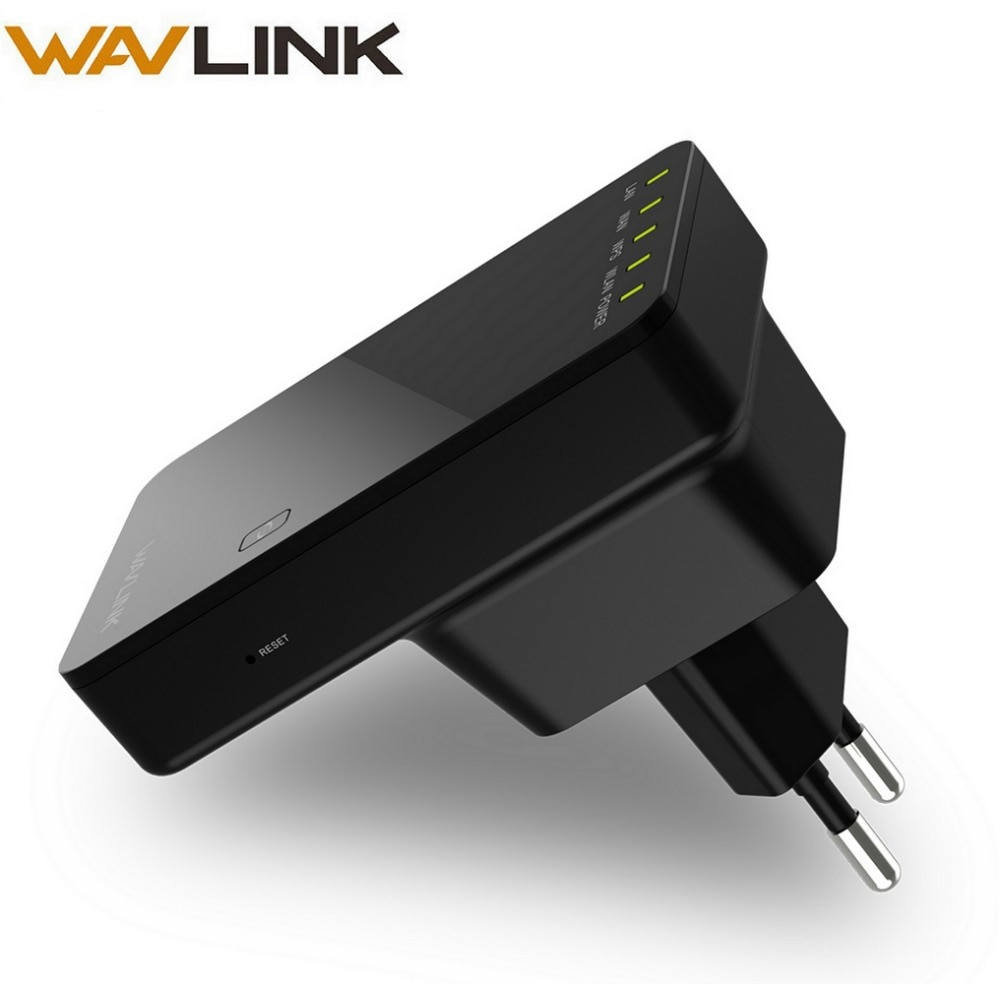
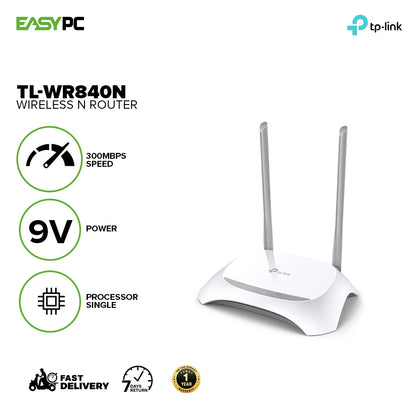
- A G Wireless Router
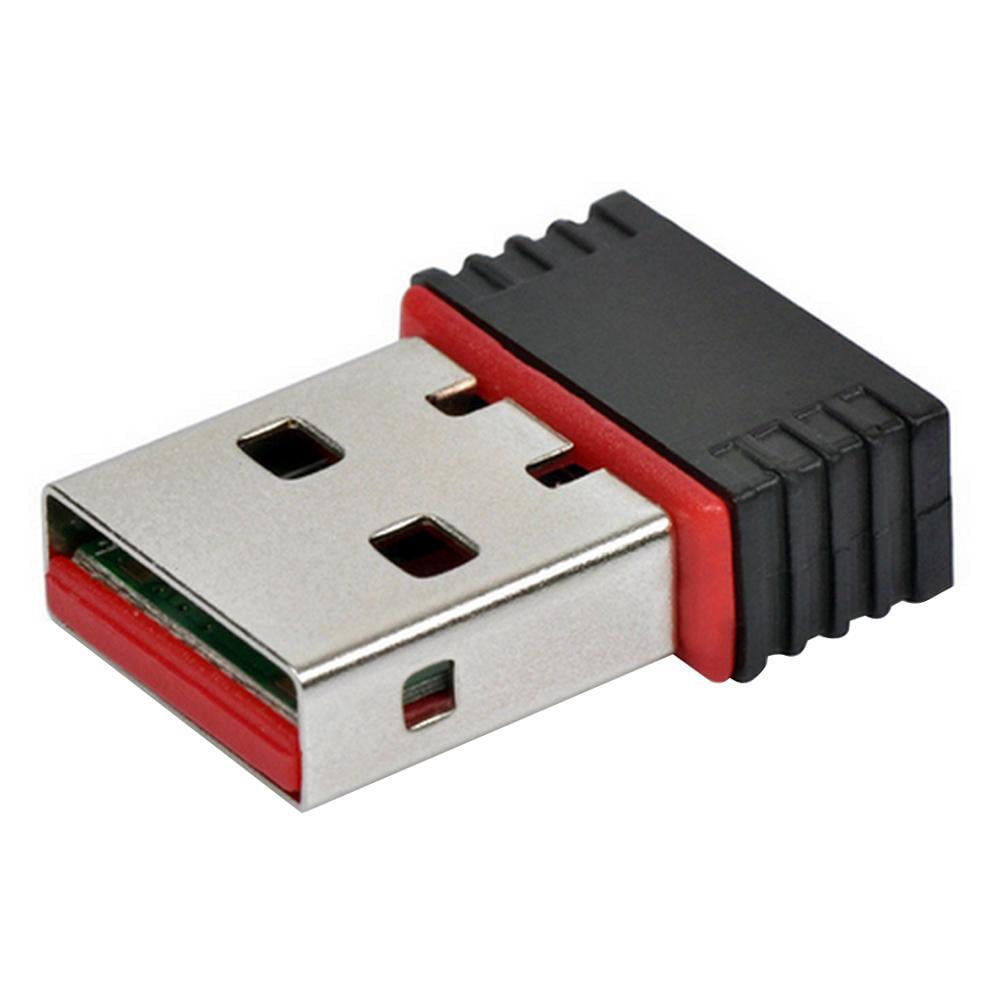
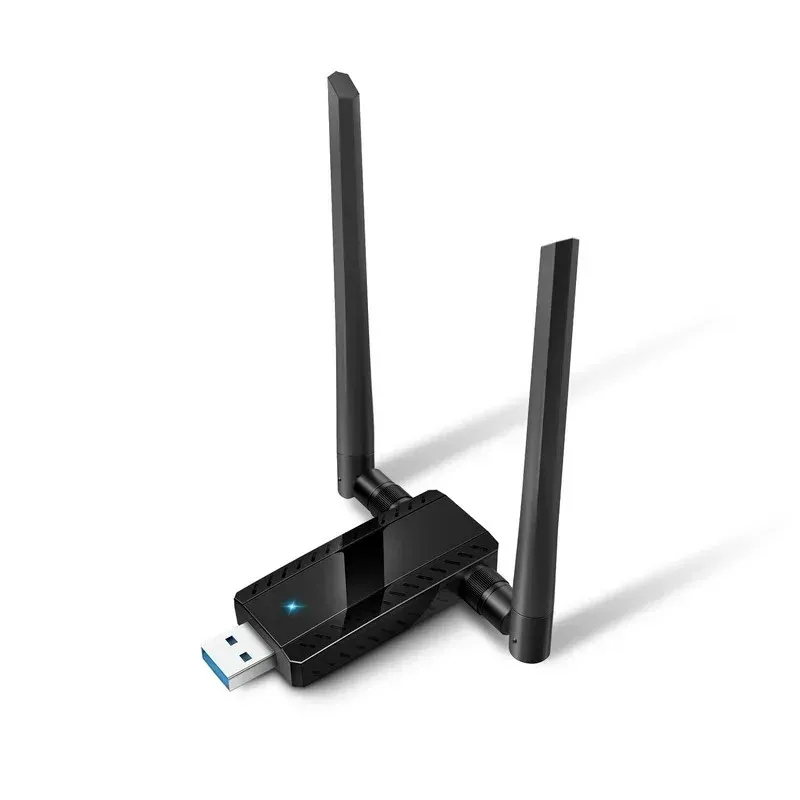
- A wireless adapter for each device that will connect to the network
- A computer or mobile device to configure the network
Step 1: Unbox and Physically Install the Router
First, unbox the G Wireless Router and physically install it in a central location in your home or office. Make sure it is placed at least 5 feet away from any obstructions or metal objects.