Wireless Router Configuration Settings: A Comprehensive Guide
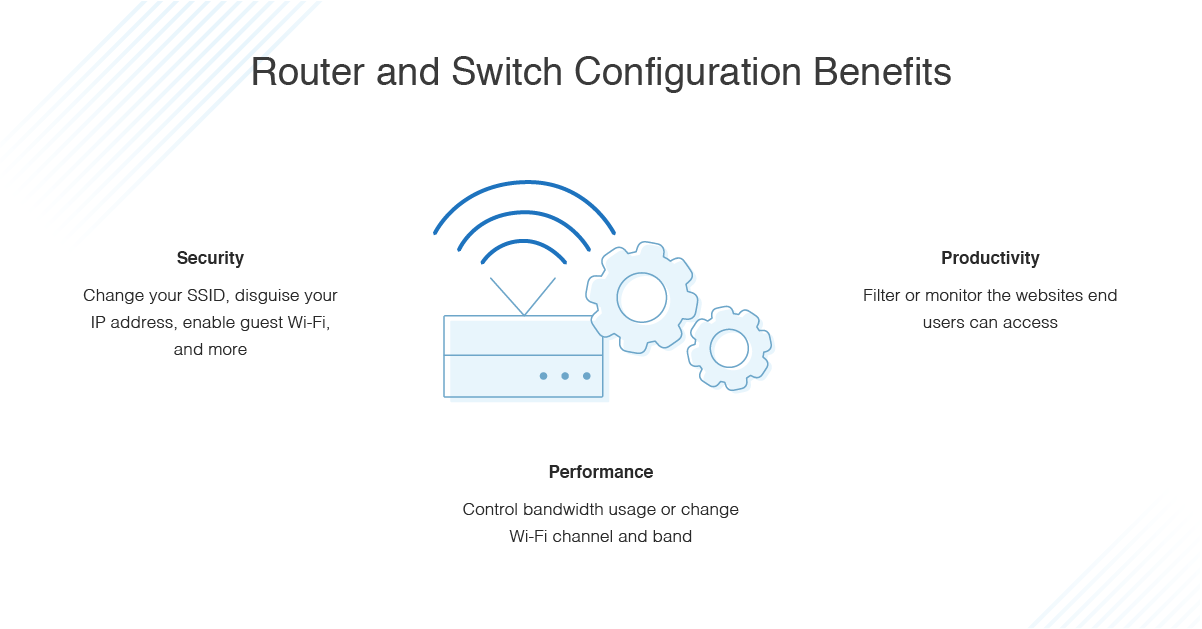
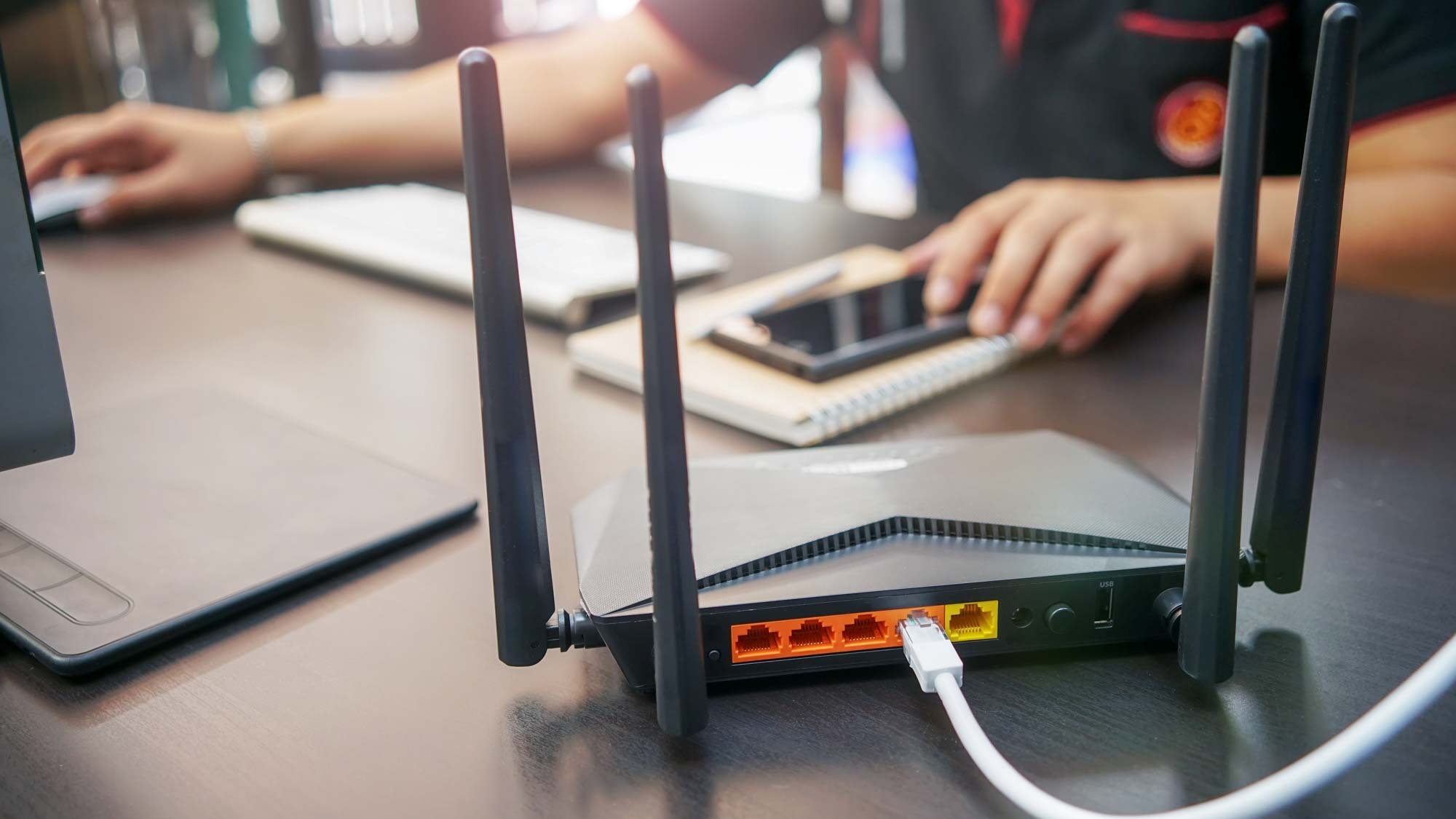
Configuring your wireless router is a crucial step in setting up a reliable and secure home network. With the numerous features and settings available, it can be overwhelming to navigate and make the most of your router's capabilities. In this article, we will walk you through the essential wireless router configuration settings to get you started.
Accessing Your Router's Settings
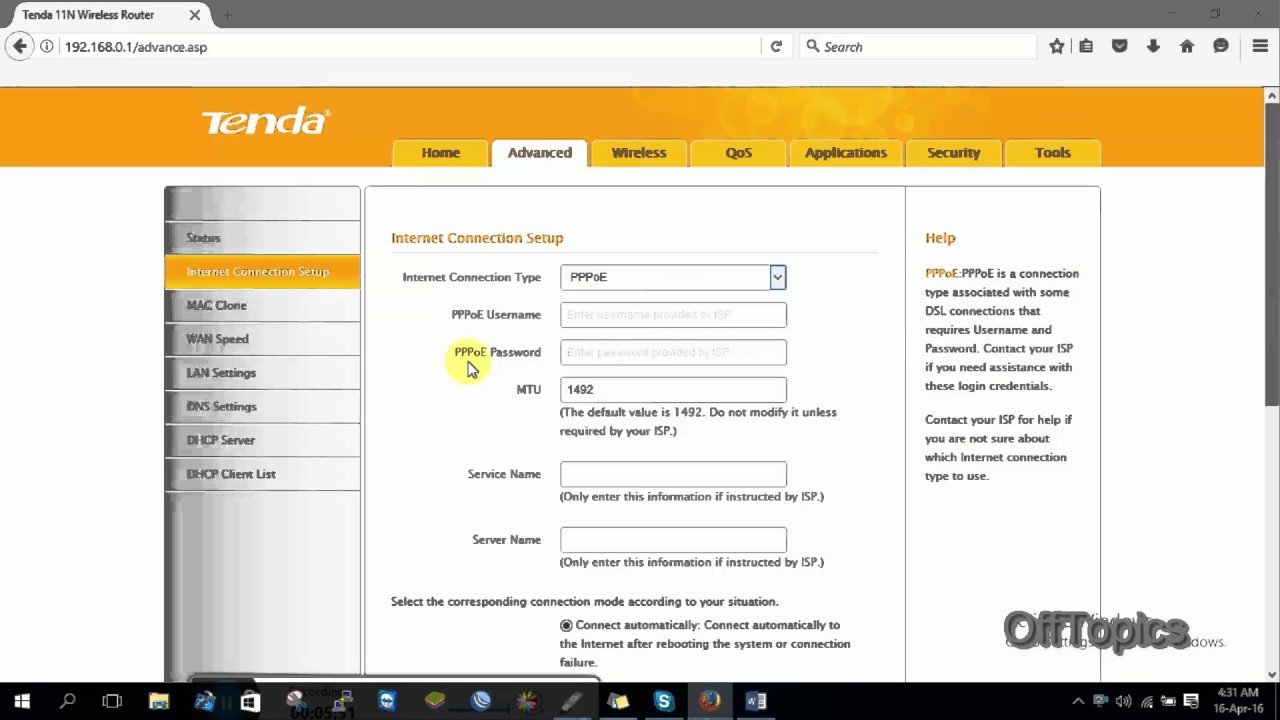
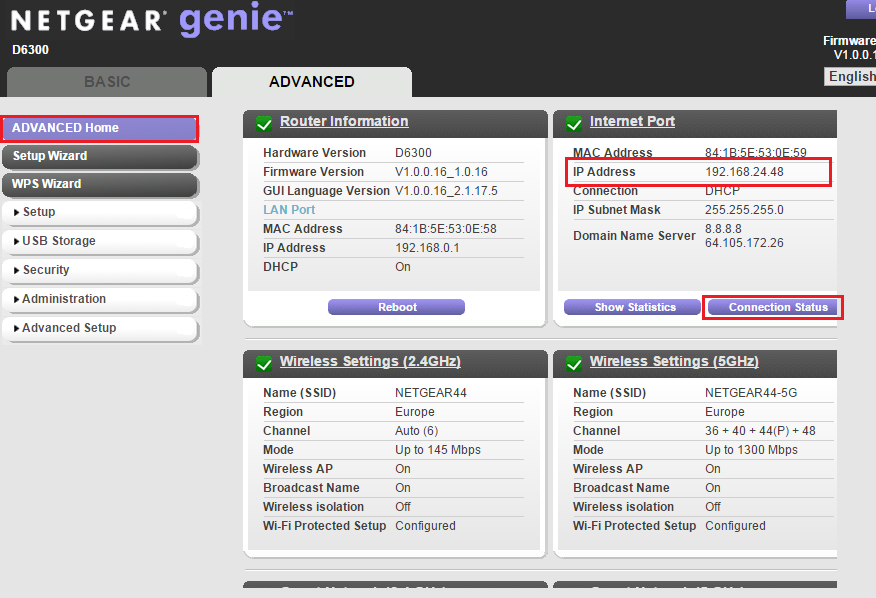
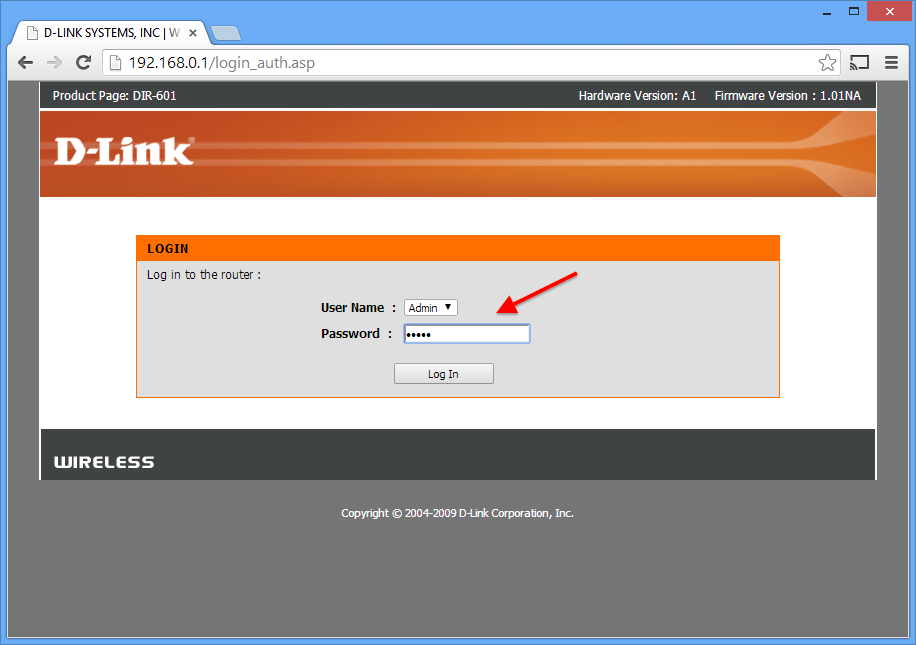
Before we dive into the configuration settings, you need to access your router's settings panel. This can be done by typing the IP address of your router into a web browser. The most common default IP addresses are:
- 192.168.0.1
- 192.168.1.1
- 192.168.2.1

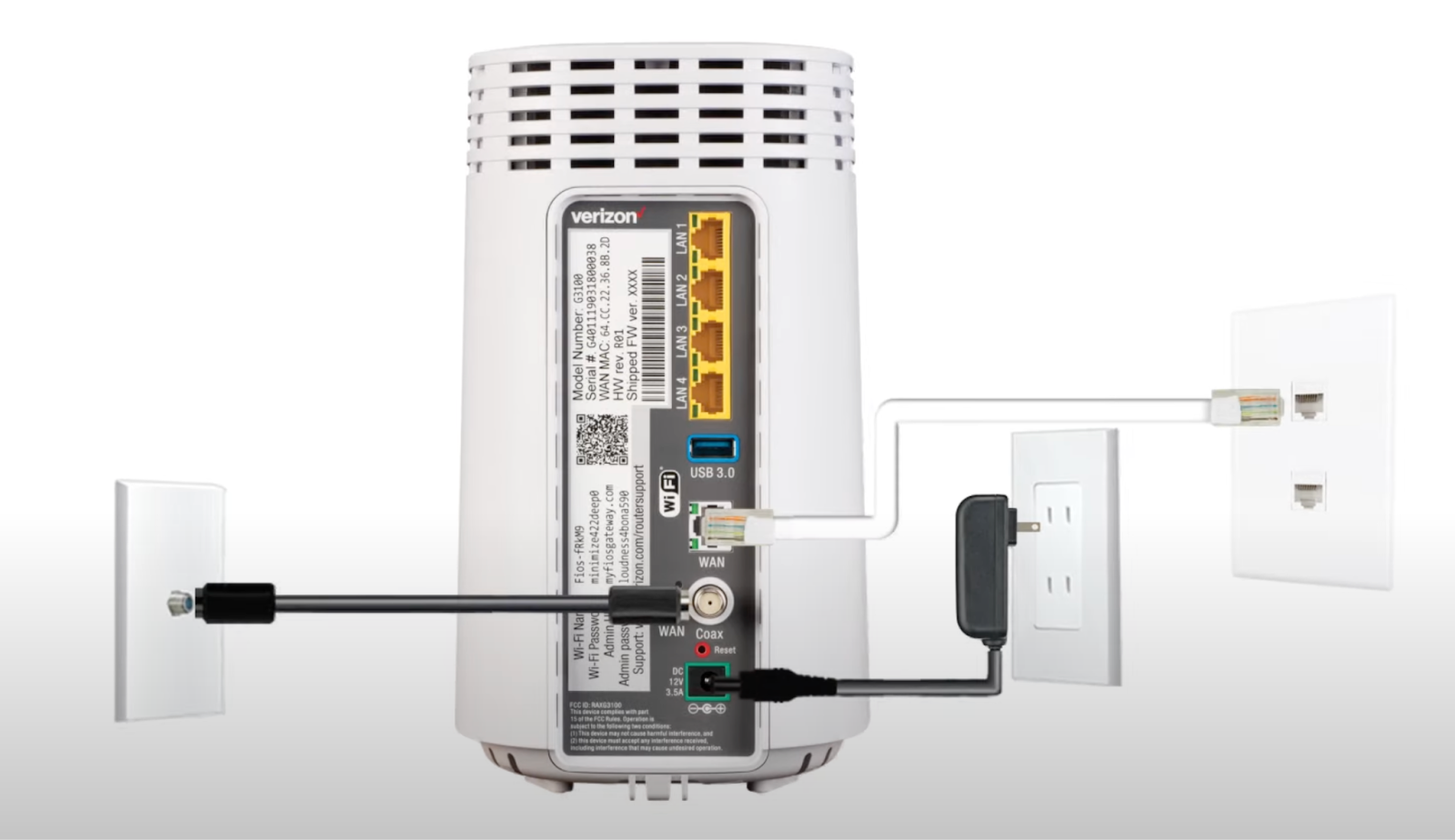
Once you access your router's settings, you will be asked to log in with a username and password. These credentials are usually printed on the underside of your router or can be found in the user manual.
Changing Your Wi-Fi Network Name and Password
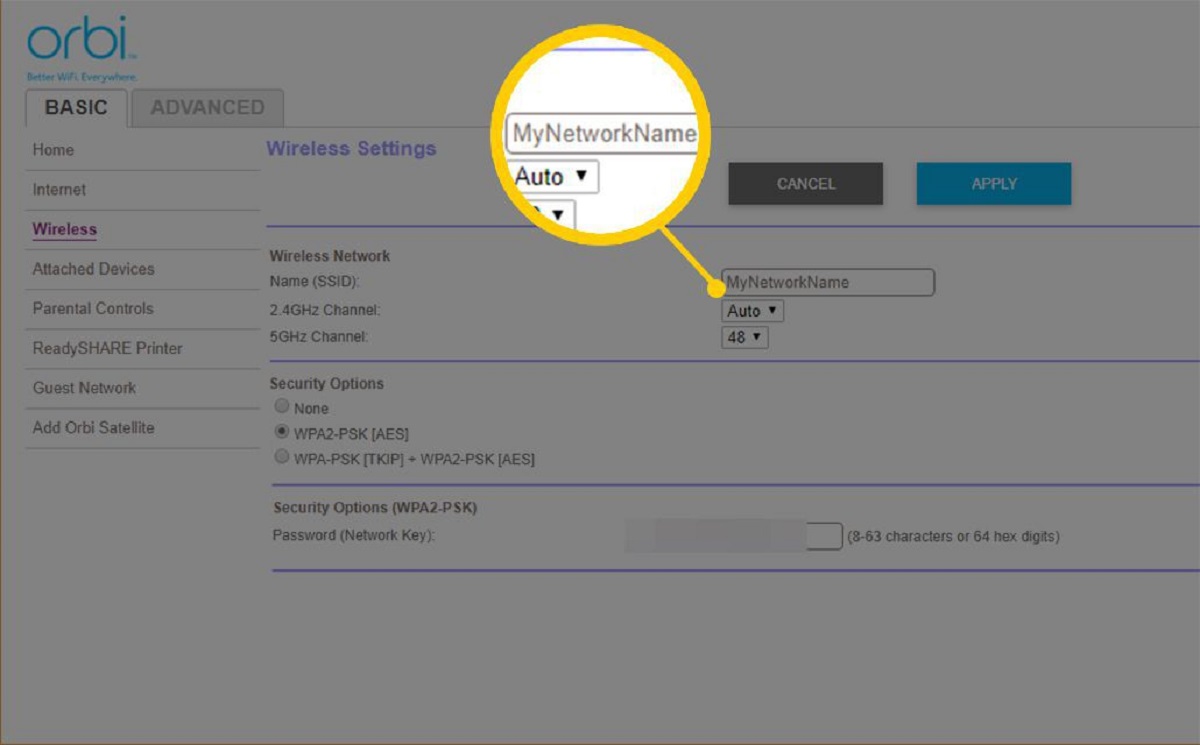
One of the most common reasons to access your router's settings is to change the Wi-Fi network name and password. To do this, follow these steps:
- Log in to your router's settings panel
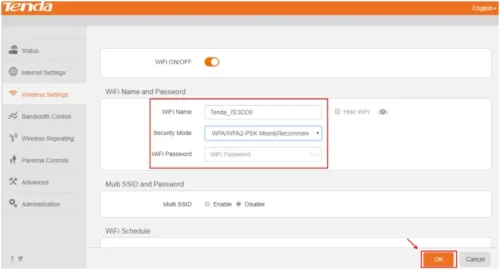
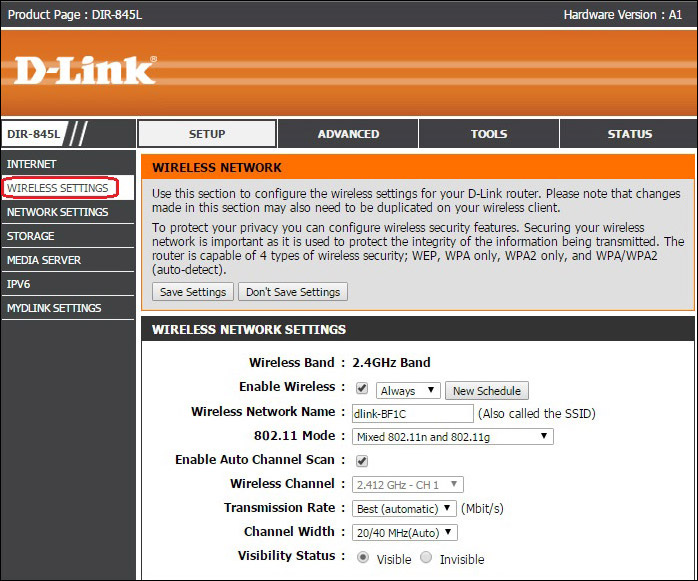
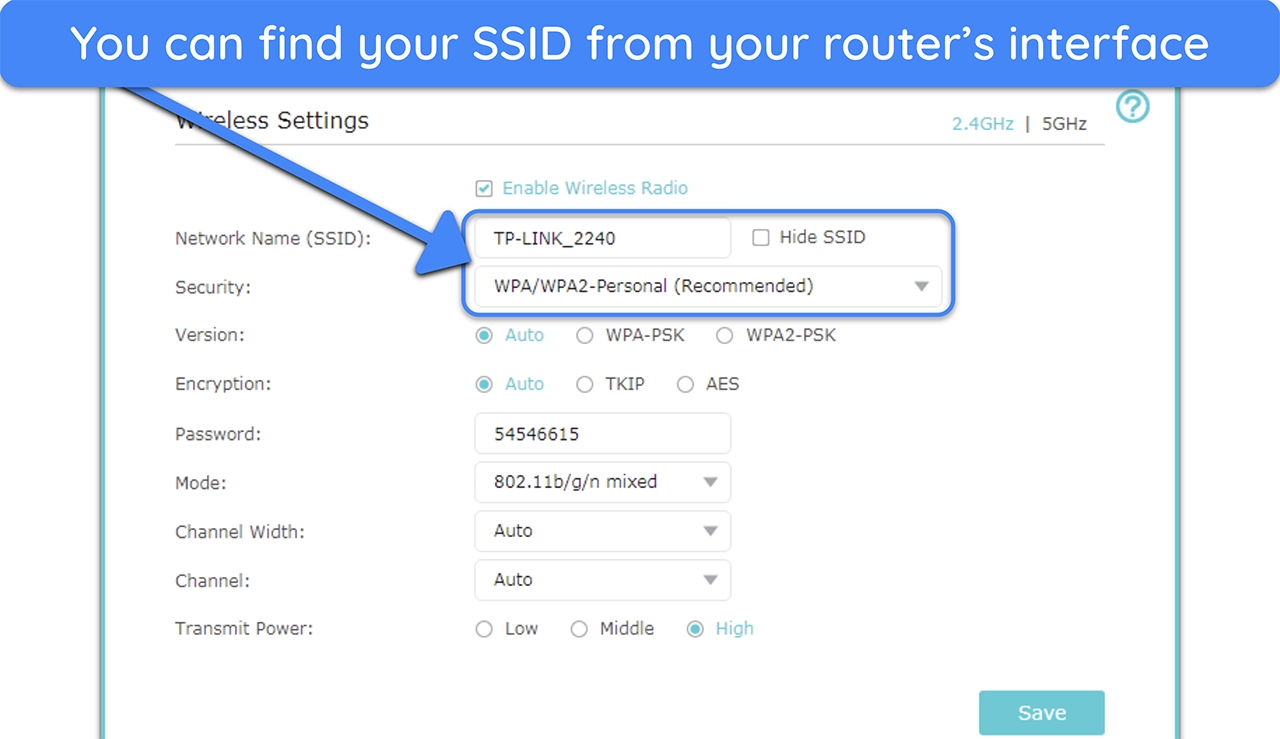
- Click on the "Wireless Settings" or "Wireless" tab
- Change the SSID (network name) and password as desired
- Save the changes