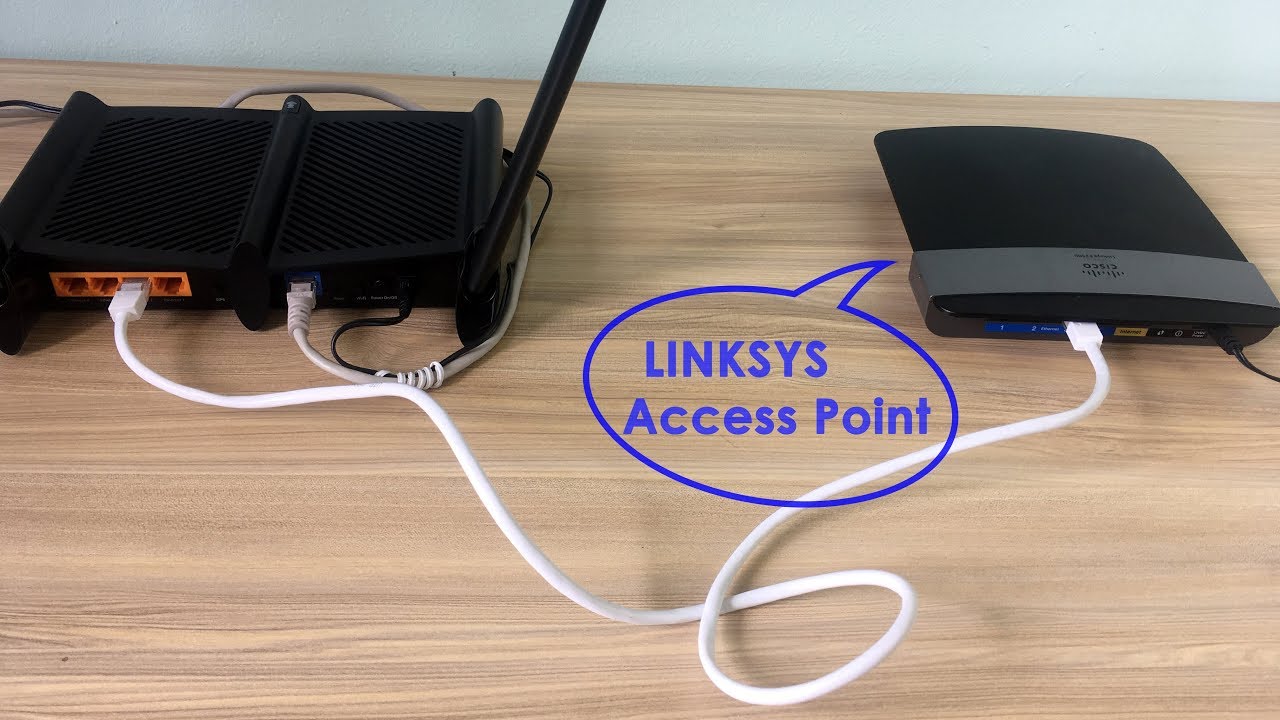
Setup Linksys Router As Access Point
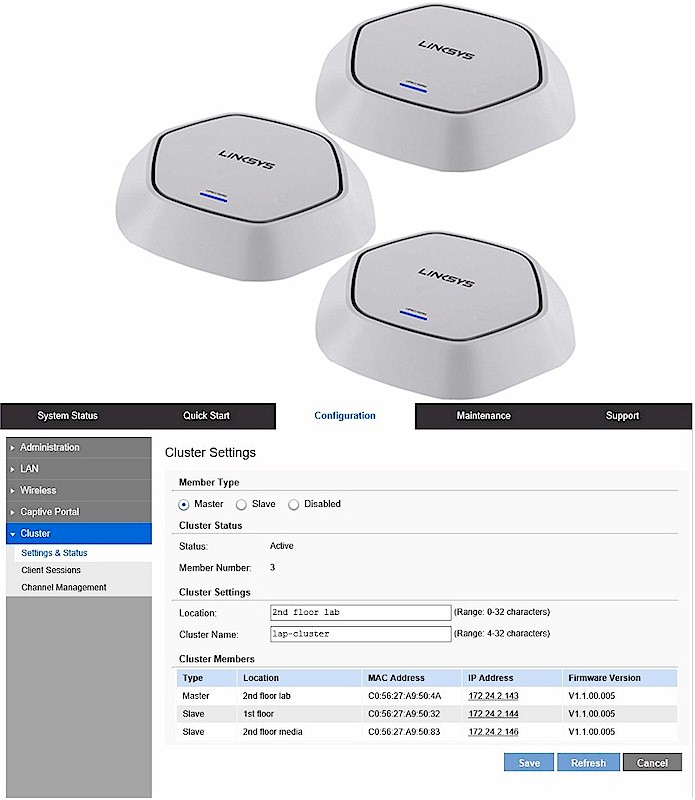
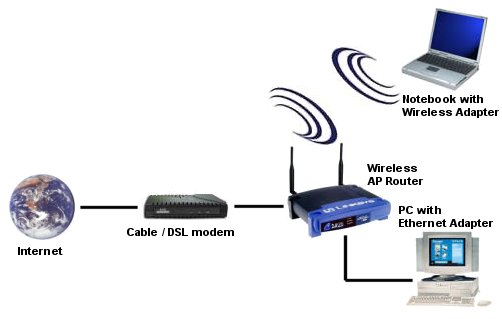
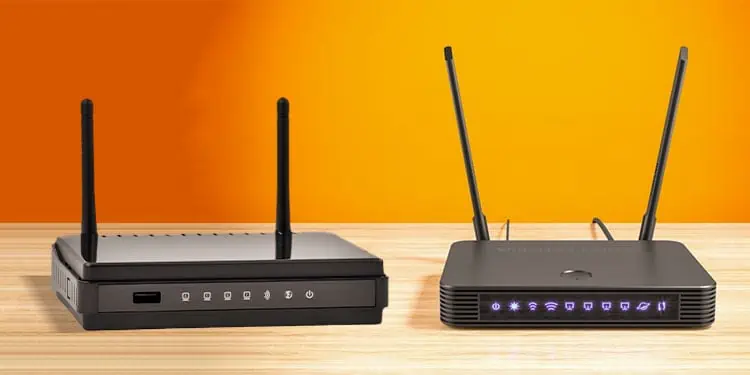
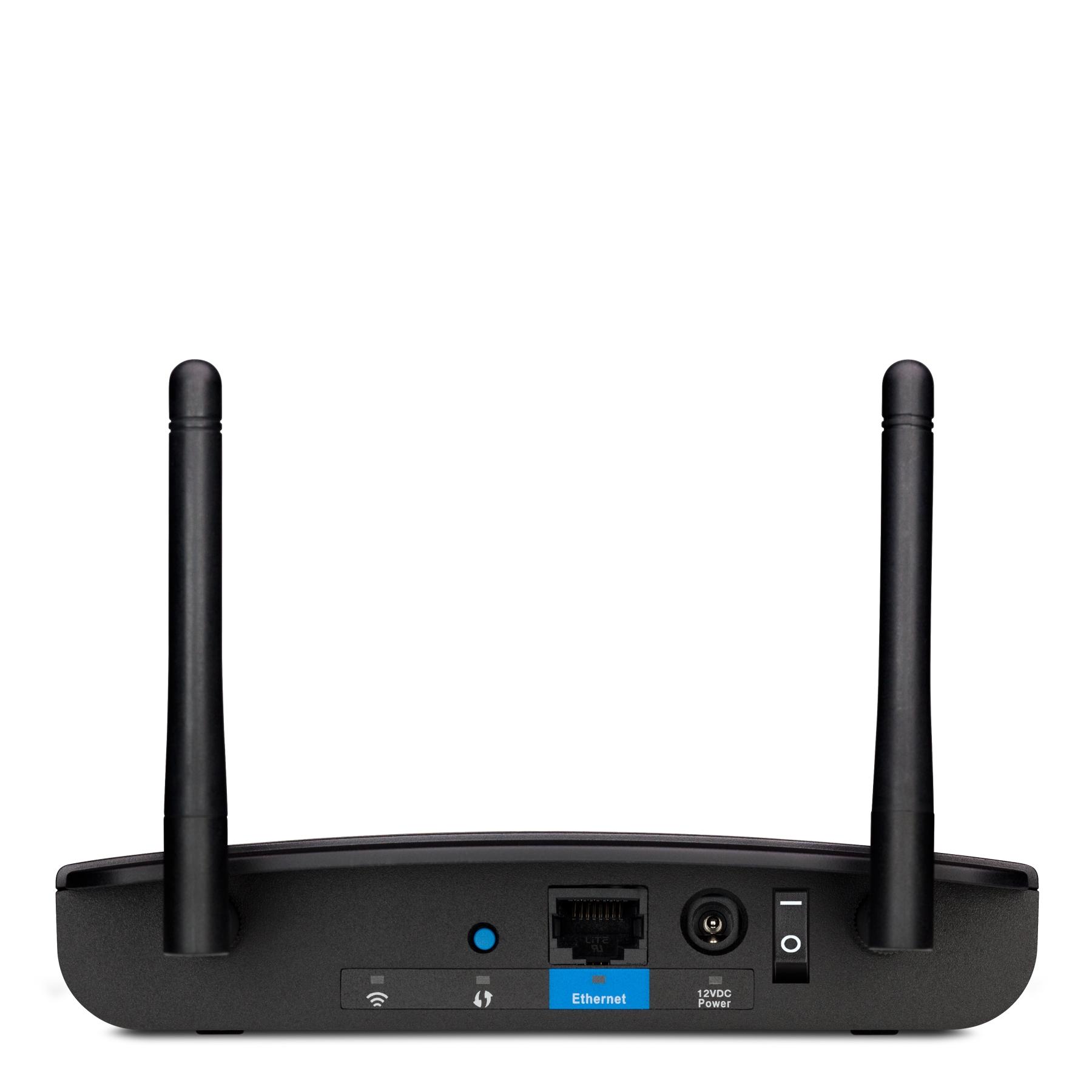
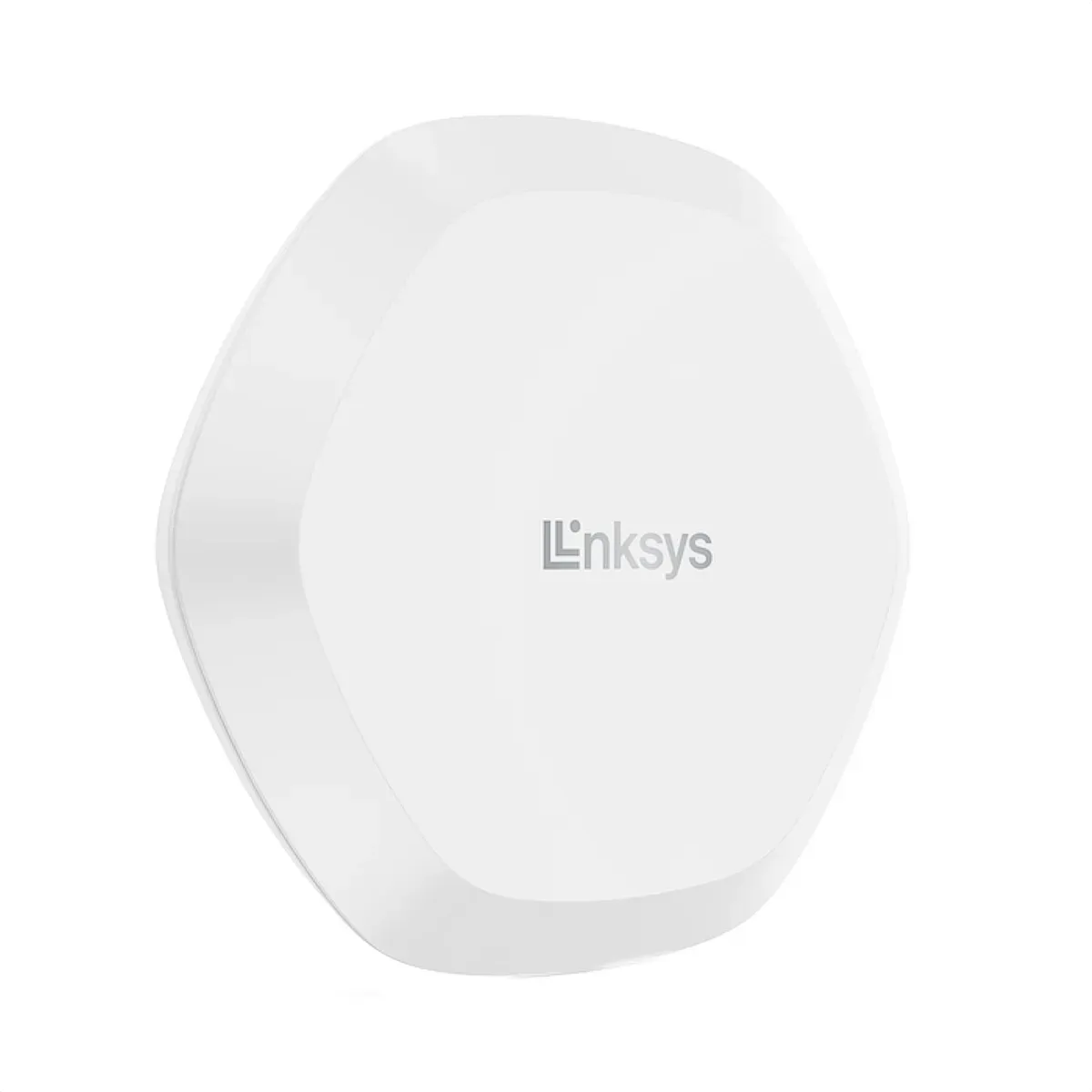
Expanding the coverage of your existing wireless network is a common requirement for those who want to stay connected in every nook and cranny of their home or office. In such cases, setting up a Linksys router as an access point is an ideal solution. An access point is a networking device that allows other Wi-Fi devices to connect to a wired network or wireless network. By configuring your Linksys router as an access point, you can enjoy a larger and more reliable wireless network.
What is Access Point Mode?
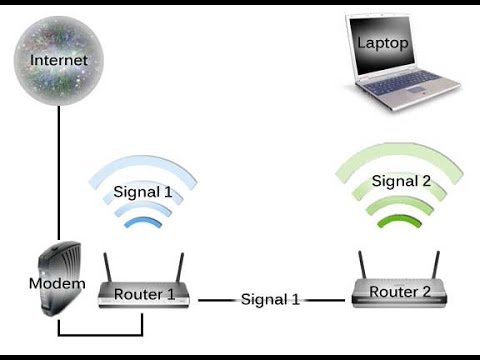
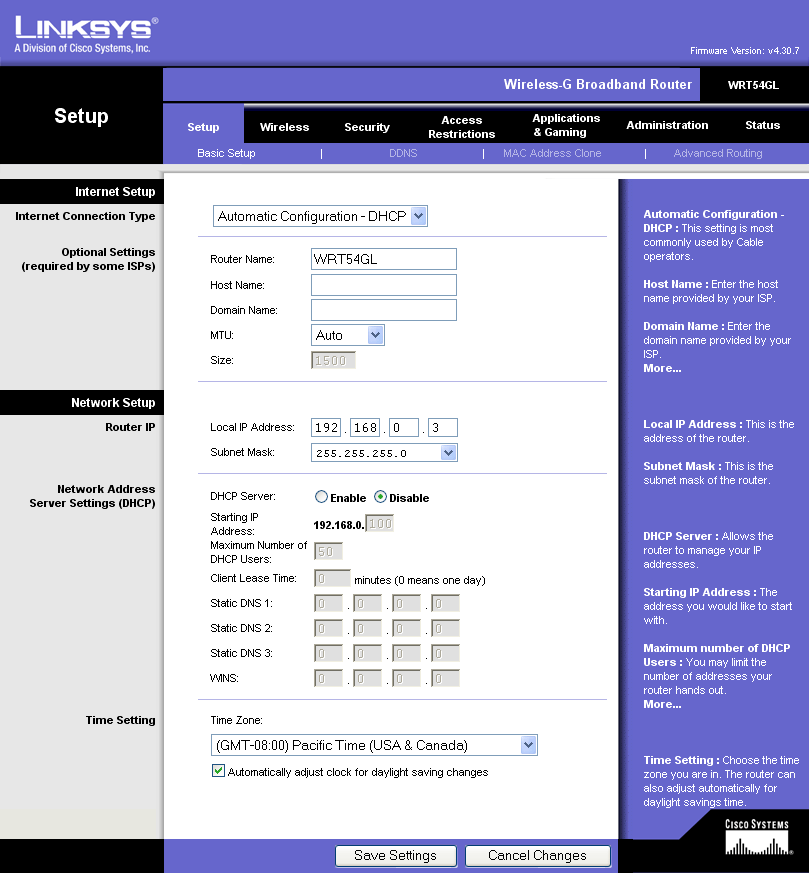
Before diving into the setup process, it's essential to understand what access point mode is and how it differs from router mode. In access point mode, the Linksys router acts as a wireless extension of an existing network, allowing you to expand the Wi-Fi coverage without the need for a separate internet connection. This mode enables you to connect devices to the network using Wi-Fi, while maintaining a wired connection to the internet.

Why Use Linksys Router as Access Point?
There are several reasons why you may want to use your Linksys router as an access point. Some of the benefits include:
- Expanded Wi-Fi coverage: By setting up your Linksys router as an access point, you can extend the reach of your wireless network, ensuring that you stay connected in every area of your home or office.
- Improved network performance: By reducing the number of devices connected to the main router, you can improve the overall performance of your network and reduce interference.
- Easy setup: Configuring your Linksys router as an access point is a relatively straightforward process that can be completed in a few simple steps.