Mastering Network Configuration for Wireless Printer Setup
Are you tired of dealing with tangled cables and cluttered workspaces? In today's digital age, wireless printing has become an essential feature in modern homes and offices. Connecting your printer to a wireless network can be a straightforward process, but it requires careful configuration to ensure seamless printing across devices. In this comprehensive guide, we'll walk you through the process of network configuration for wireless printer setup.
Understanding Wireless Printer Setup
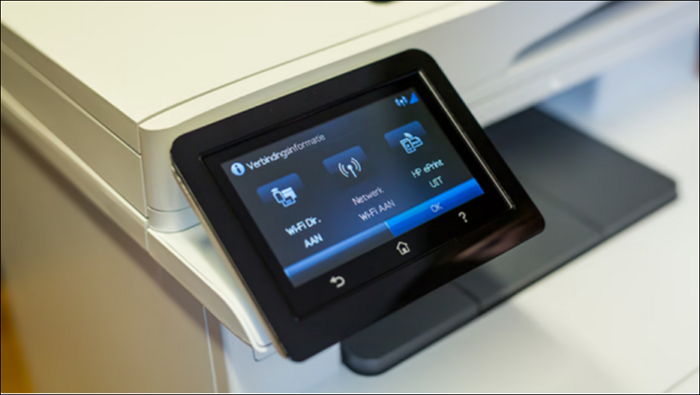
Wireless printing allows you to print documents and images from any device connected to your network, without the need for cables. This feature is available on most modern printers, including HP, Canon, Epson, and Brother devices. To connect your printer to a wireless network, you'll need to follow these basic steps:
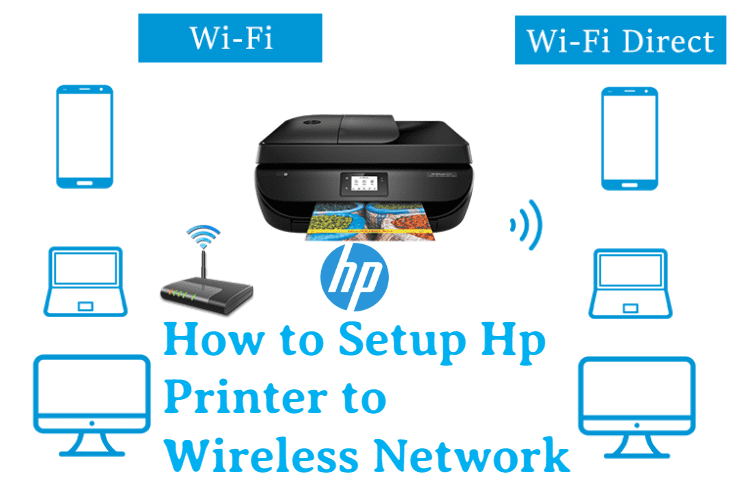
- Identify your printer's wireless capabilities and ensure it's compatible with your router.
- Download and install the necessary drivers and software from the manufacturer's website.
- Access your router's settings and configure the wireless network.
- Connect your printer to the wireless network using the WPS button or manually entering the network name and password.
Network Configuration for Wireless Printer Setup
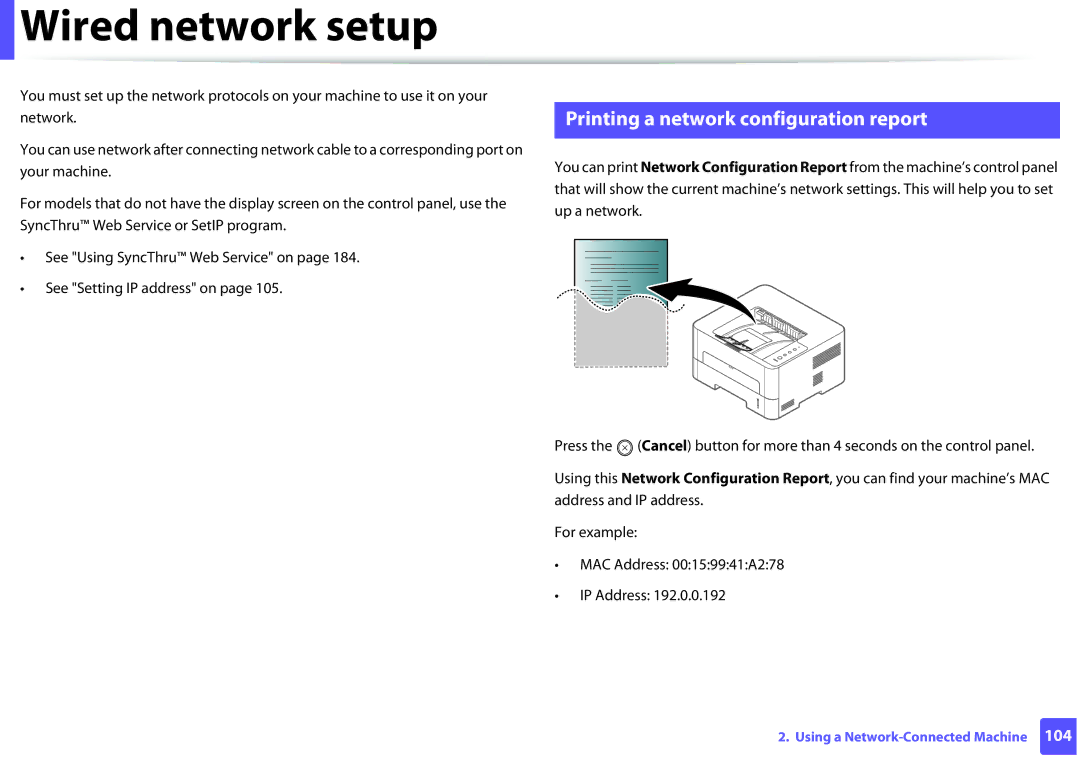
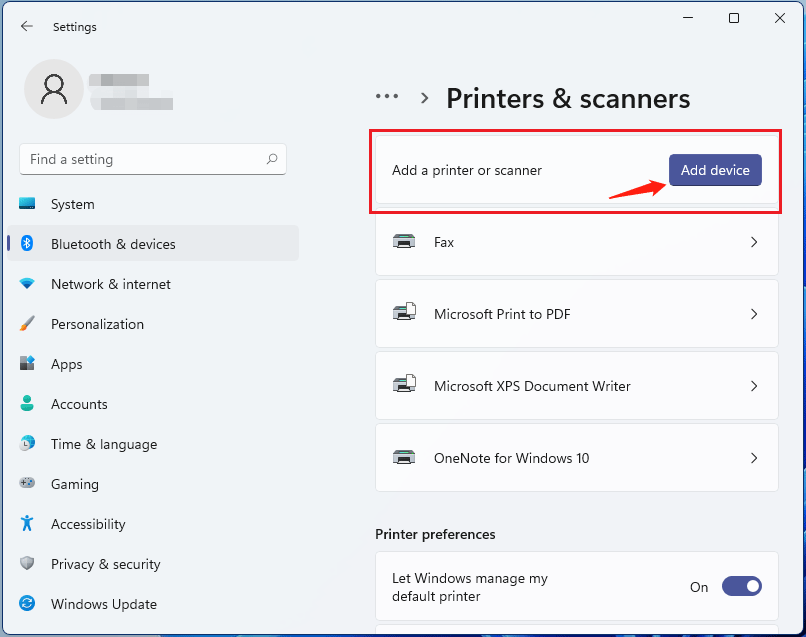
Once you've identified your printer's wireless capabilities and installed the necessary drivers, it's time to configure the network settings. The specific steps may vary depending on your printer model and router type. Here's a general outline of the process: