Setting Up the Perfect Network Configuration for Wireless Networks
With the rise of wireless connectivity, setting up a reliable and efficient wireless network has become an essential task for both home and office environments. However, navigating through the complex world of network configuration can be daunting, especially for those who are not tech-savvy. In this article, we will guide you through the process of setting up the perfect network configuration for wireless networks, covering the essential steps, tips, and best practices to ensure seamless connectivity.
Understanding the Basics of Wireless Networks
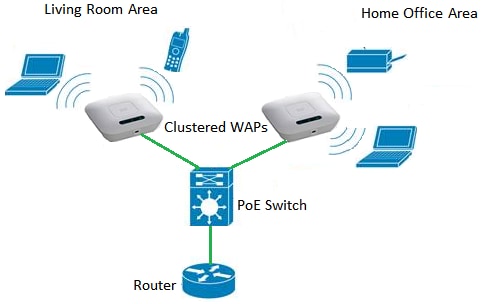
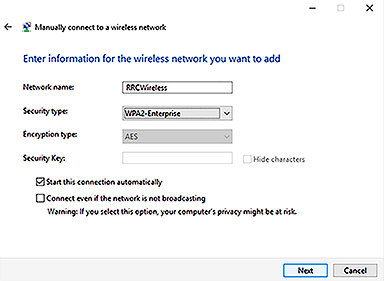
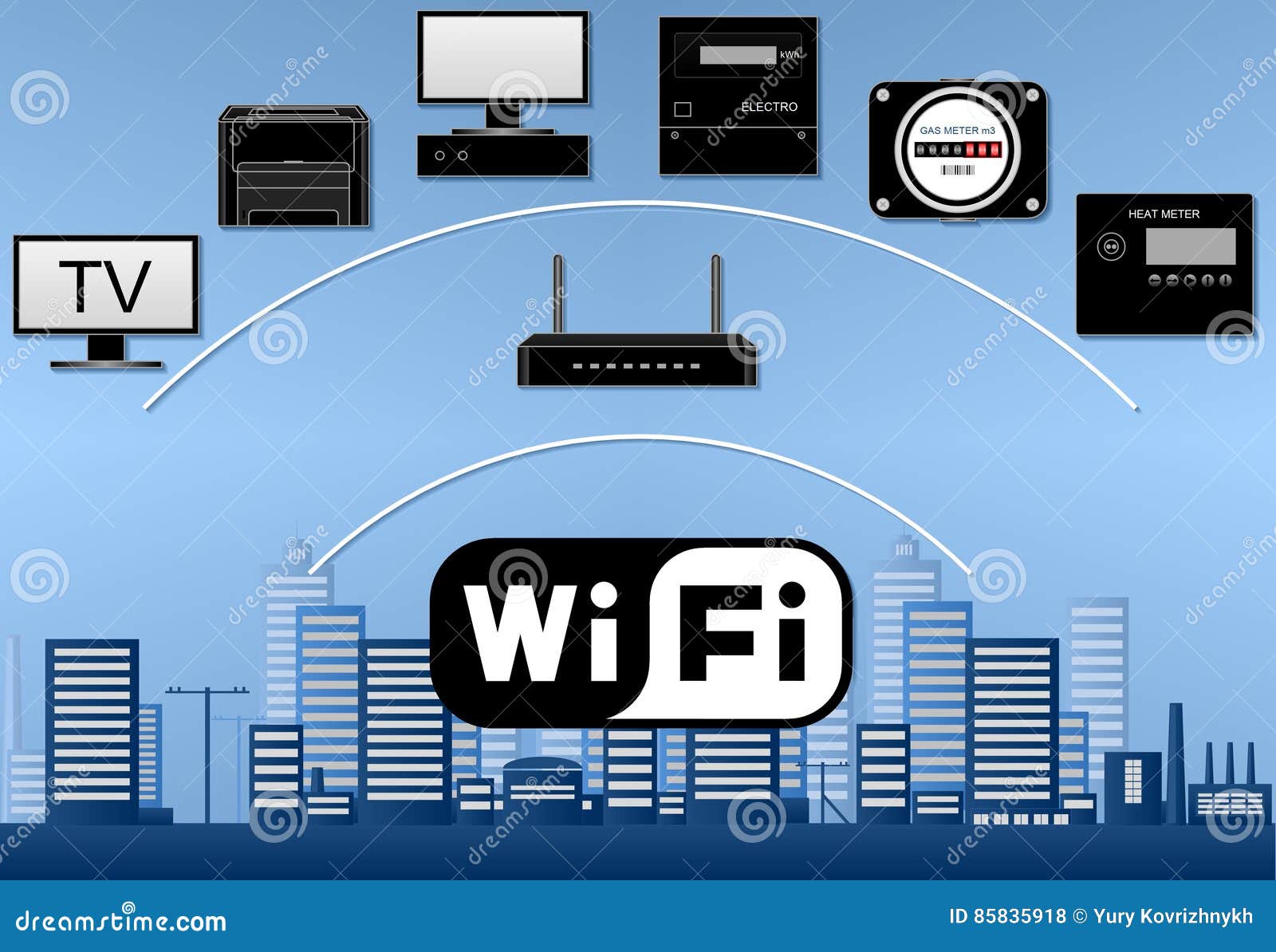
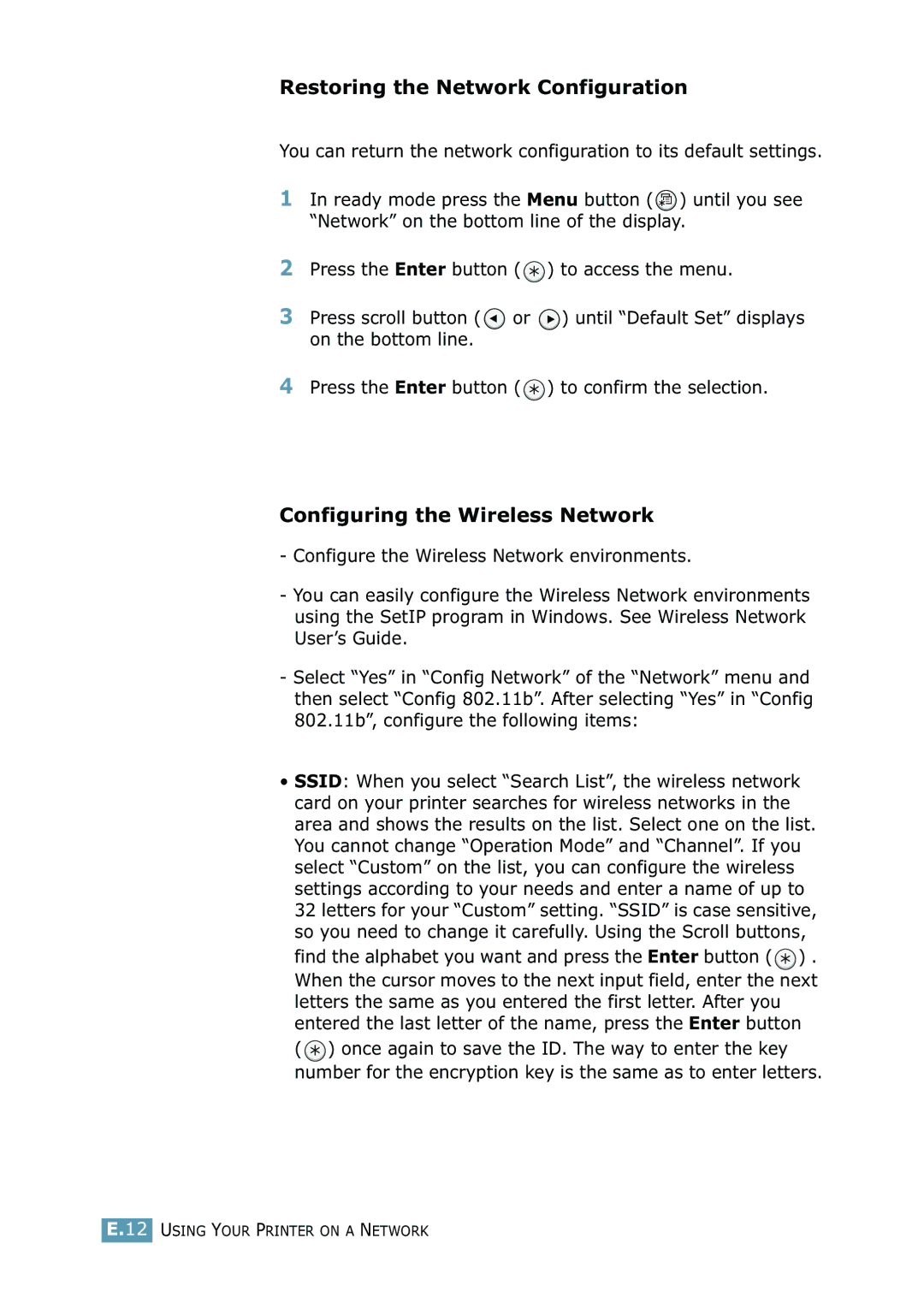
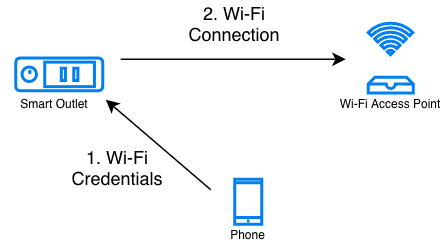
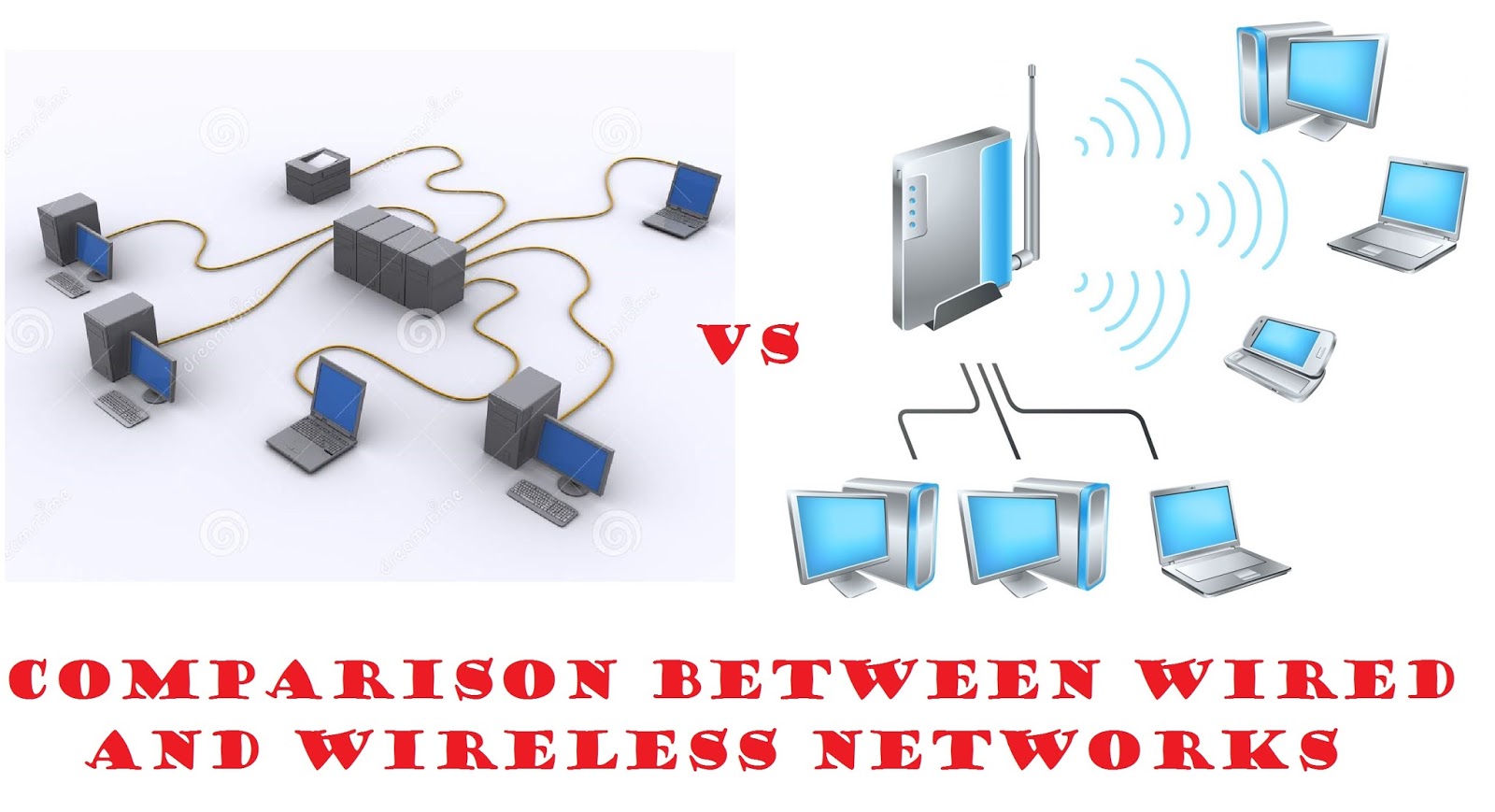
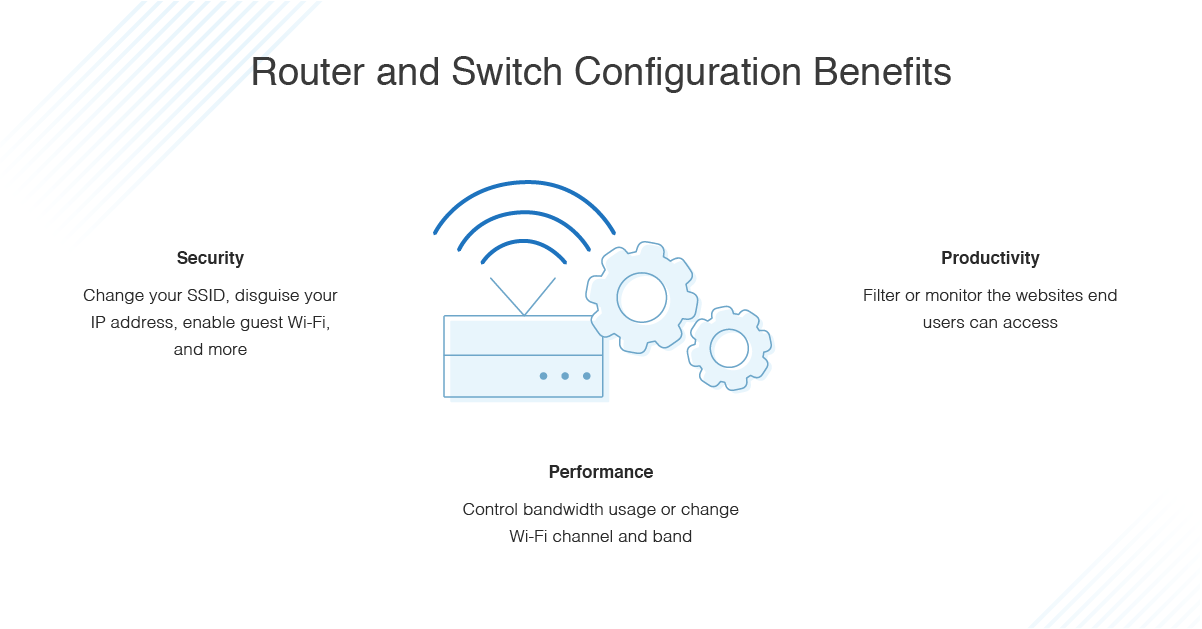
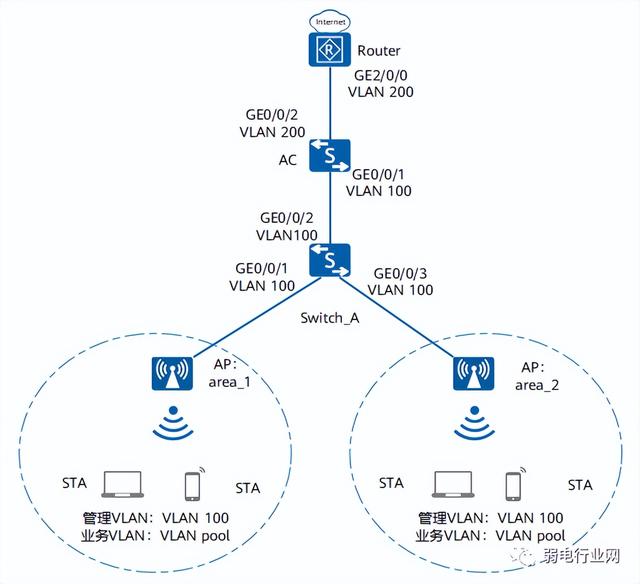
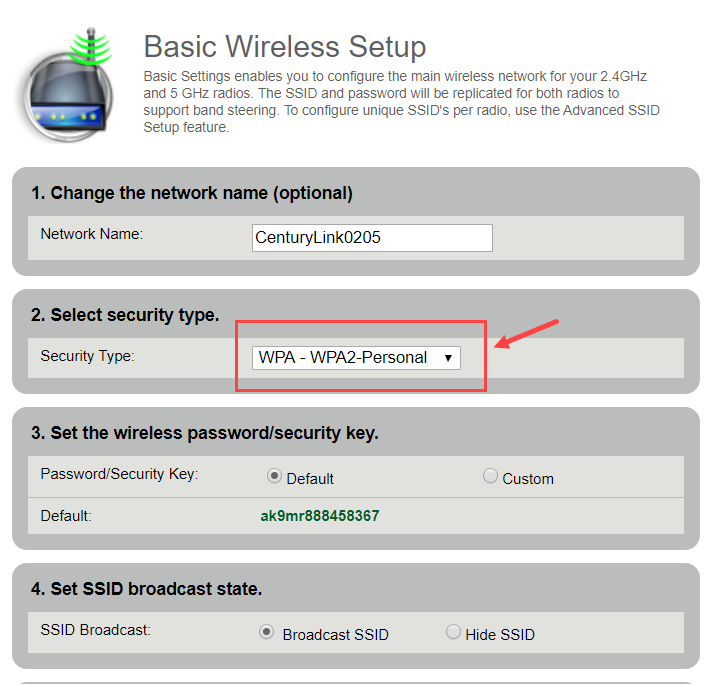
A wireless network, also known as a Wi-Fi network, allows devices to connect to the internet or communicate with each other without the use of physical cables. To set up a wireless network, you will need a router, which acts as the central device that connects all devices to the internet. The router will need to be configured to create a network name (SSID), set up a password, and assign IP addresses to devices that connect to the network.

Modems and Internet Connections
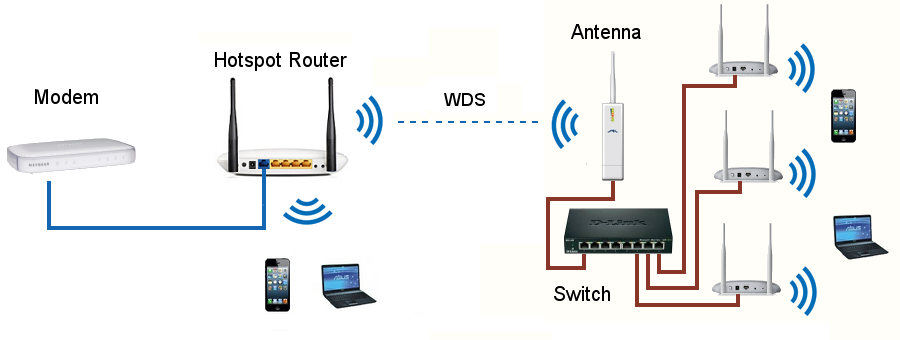
Before you start setting up your wireless network, you will need to ensure that you have a stable internet connection. This typically involves connecting your modem to your router using an Ethernet cable. The modem will then provide a connection to the internet, which can be accessed by all devices connected to your wireless network.